Jack into your server.
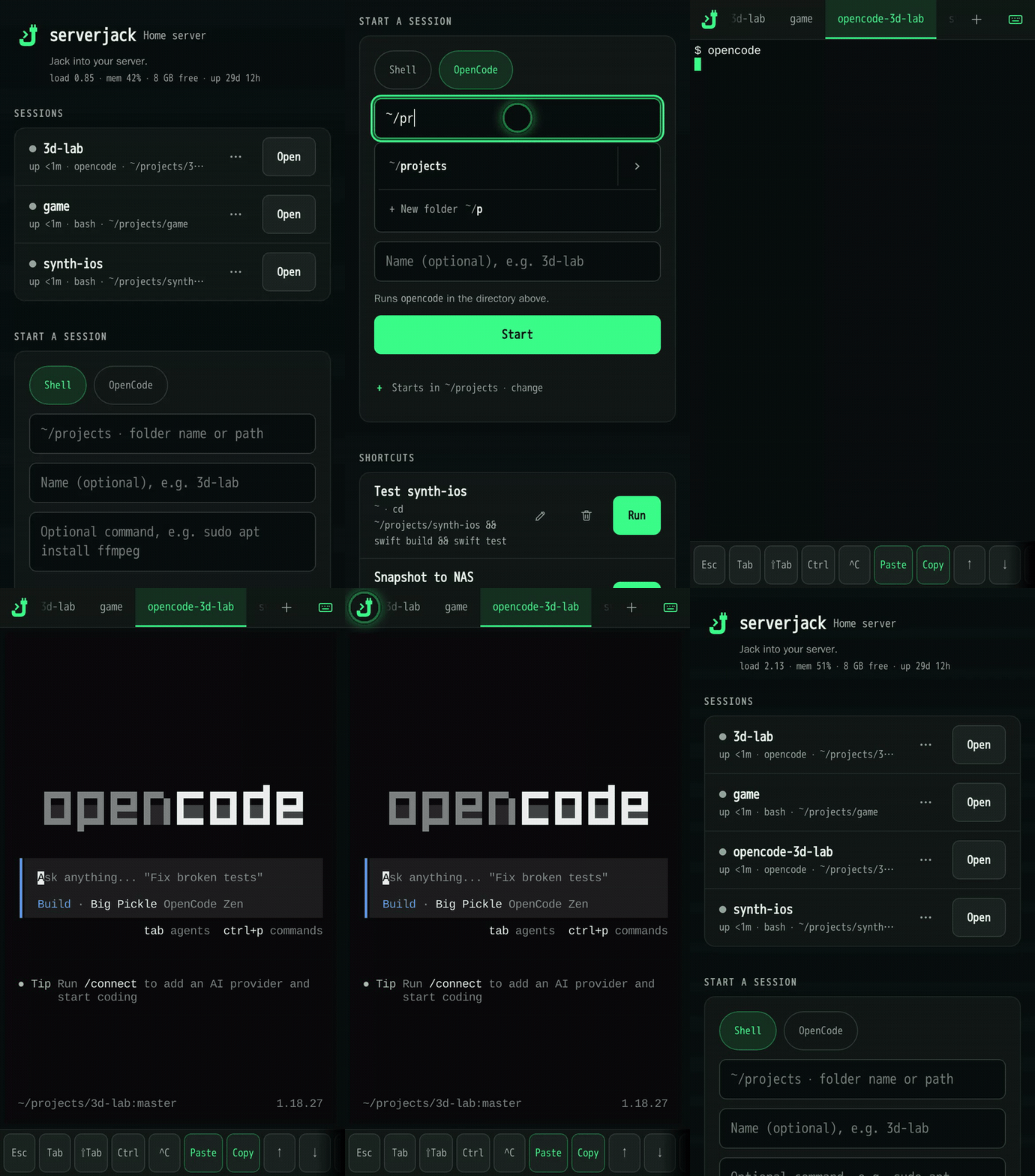
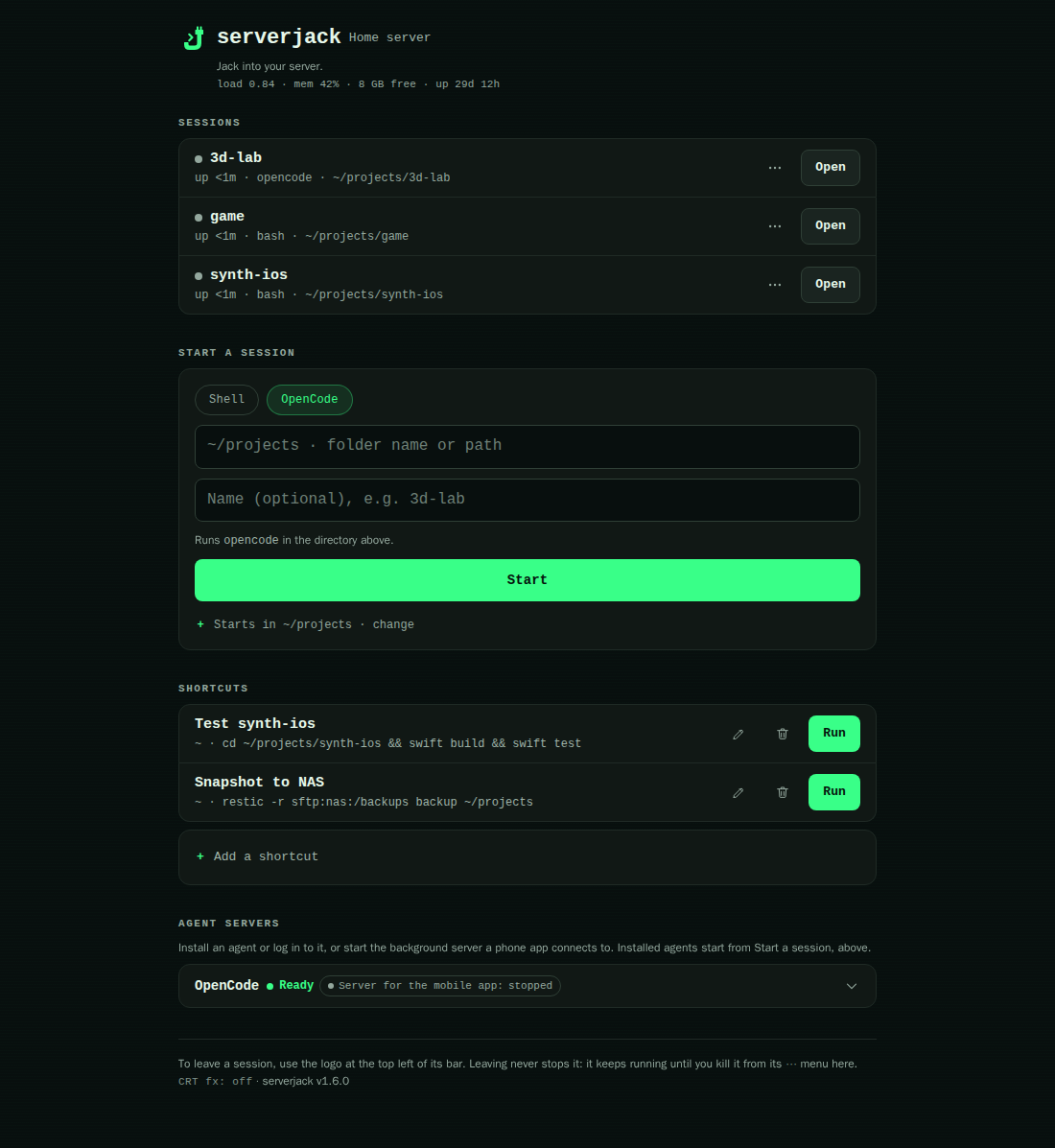
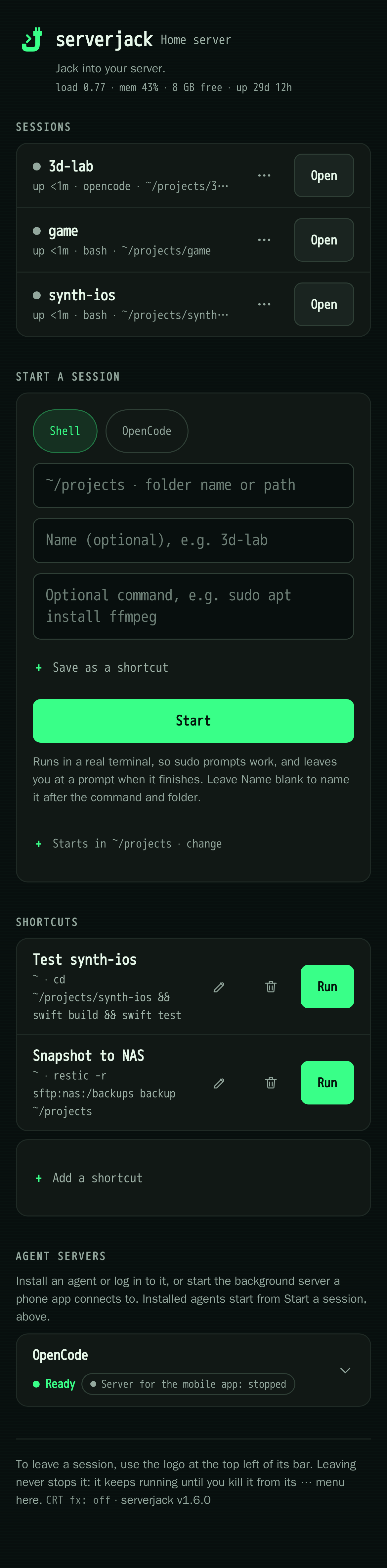
Start a coding agent in a project directory, run a saved command, or reopen a terminal — from your phone, Mac or Windows browser.
curl -fsSL https://jackgillette.com/serverjack/install.sh | bash
Runs as your own Linux account, never as root. Asks before installing packages, before any one-time root step, and before publishing anything.
The launcher at
jackgillette.com/serverjack/install.sh downloads the
release's serverjack-bootstrap.sh
from GitHub Releases, which checks the release archive's checksum before extracting it
under ~/.local/share/serverjack. Read either piece before you run it.
Prefer to download and read it first?
curl -fsSLO https://jackgillette.com/serverjack/install.sh
less install.sh
bash install.shAlready running serverjack from a git checkout?
The one-liner does not upgrade an existing checkout in place. Run
bash uninstall.sh first — it keeps your config and tmux sessions — then
the install command above. After that, update with serverjack-ctl update
or the Update row in the app.
What you can do
- Start an agent. Claude Code, Codex or another coding agent, in the project directory you pick.
- Run a saved command. Paste something once — a system upgrade that needs sudo, a deploy script — save it as a shortcut, then tap it next time instead of retyping.
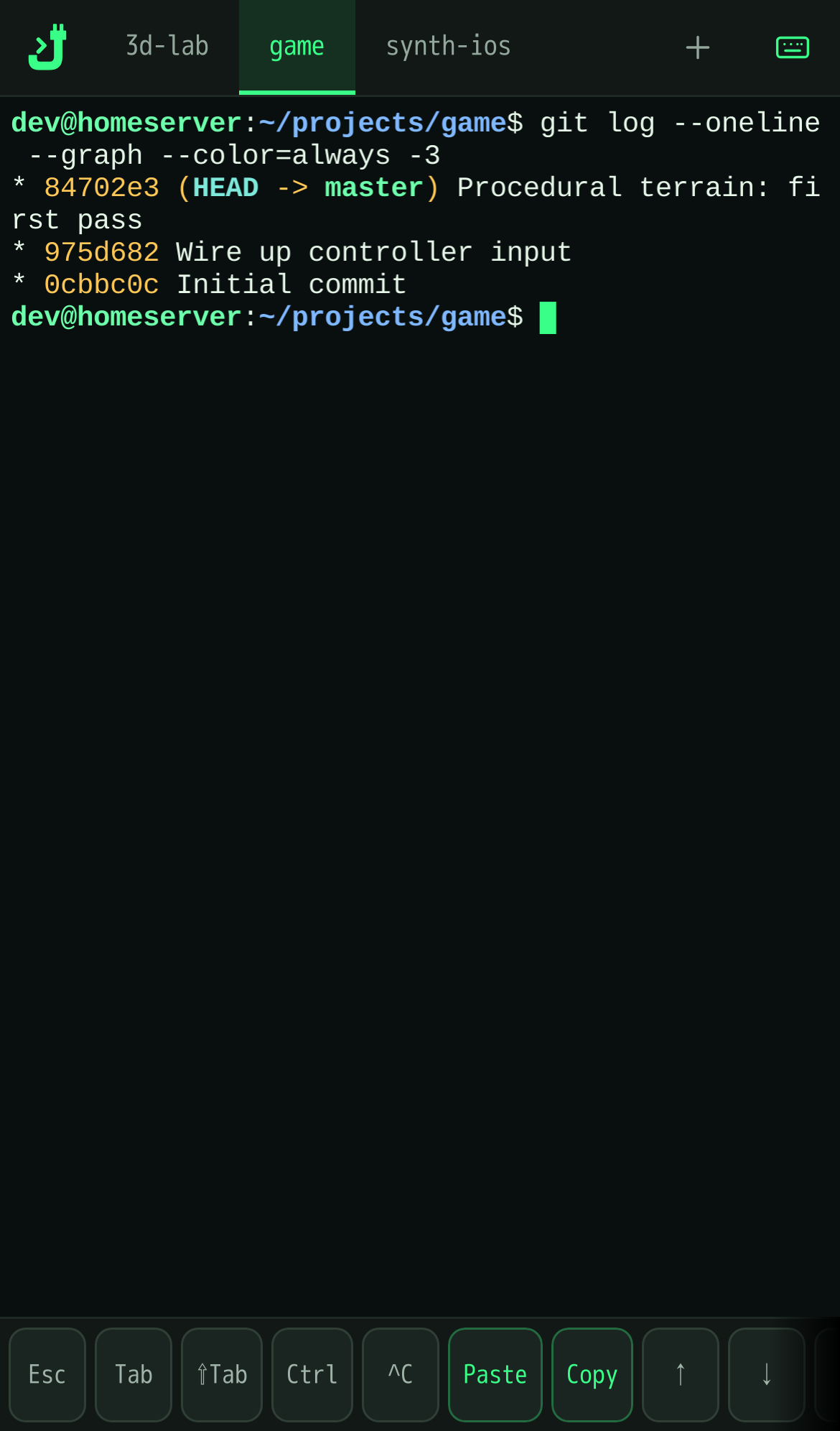
- Reopen a session. Every session runs in tmux, so it keeps going after you close the laptop. Pick it up again from your phone, and close it from there when it is done.
Requirements
Serverjack runs on a Linux server — a systemd user session, tested on Debian 13 and Ubuntu 24.04 x86_64 — and you use it from a phone, Mac or Windows browser. Tested clients: iPhone Safari, and Chrome and Firefox on desktop. ARM64 builds are downloaded but not yet a tested deployment.
Before the installer can start it needs bash, curl, CA
certificates, python3, tar, sha256sum, systemd
with a user session and flock (util-linux); it prints the install command
for anything missing. The guided setup then finds or offers to install tmux
and Tailscale, which is needed for remote access.
The guided setup asks about three one-time root steps before running any of them,
default no: enabling lingering for your user, Tailscale operator access, and
tailscale serve for the Unix-socket mode on shared machines.
What you get at the end
With Tailscale set up and the root steps accepted: a private https address, reachable only on your Tailscale network. Add it to your phone's home screen for a full-screen app with no browser bar.
Skip Tailscale, or decline a root step, and the flow still finishes — local-only, with the remaining commands printed so you can run them yourself later.
Proof
- One stdlib Python file, plus a prebuilt ttyd.
- No Node runtime, no build step.
- No root in daily use. The guided setup may ask about up to three one-time root steps, each with a default of no.
- Reachable only over your Tailscale network by default — but with no allow-list, anyone who can reach the route gets a shell. On a tailnet you share with others, set the allow-list; the guided setup offers to.
- Never phones home: no telemetry, no analytics, no update checks.